Stop Doom-Scrolling.
Start Mindful Viewing.
Take back control of your TikTok feed with gentle friction. Set intentions, get stats, and break the loop without blocking the fun.
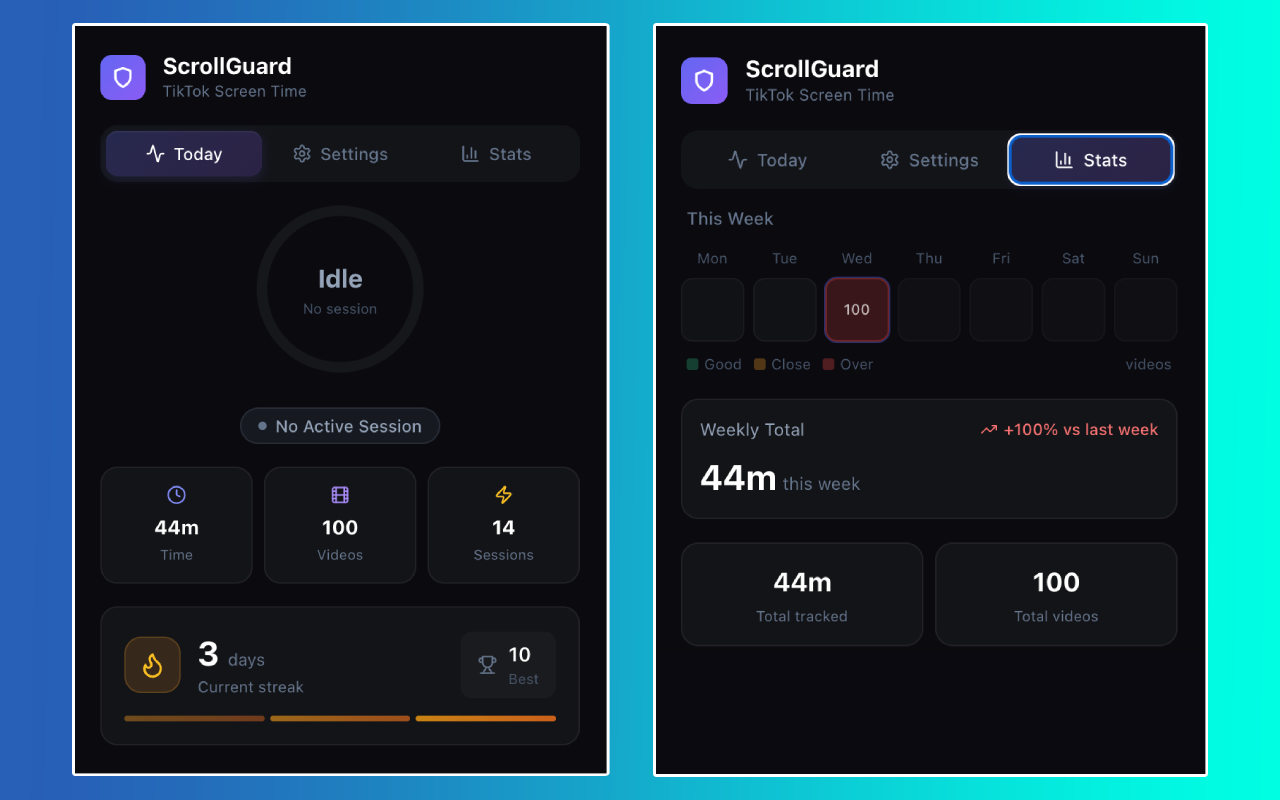
More Data. Less Doom.
Understand your habits with beautiful charts and heatmaps. ScrollGuard helps you spot patterns so you can break them.
Weekly Heatmaps
Visualise your scrolling intensity. See which days you're most vulnerable and track your improvement over time.
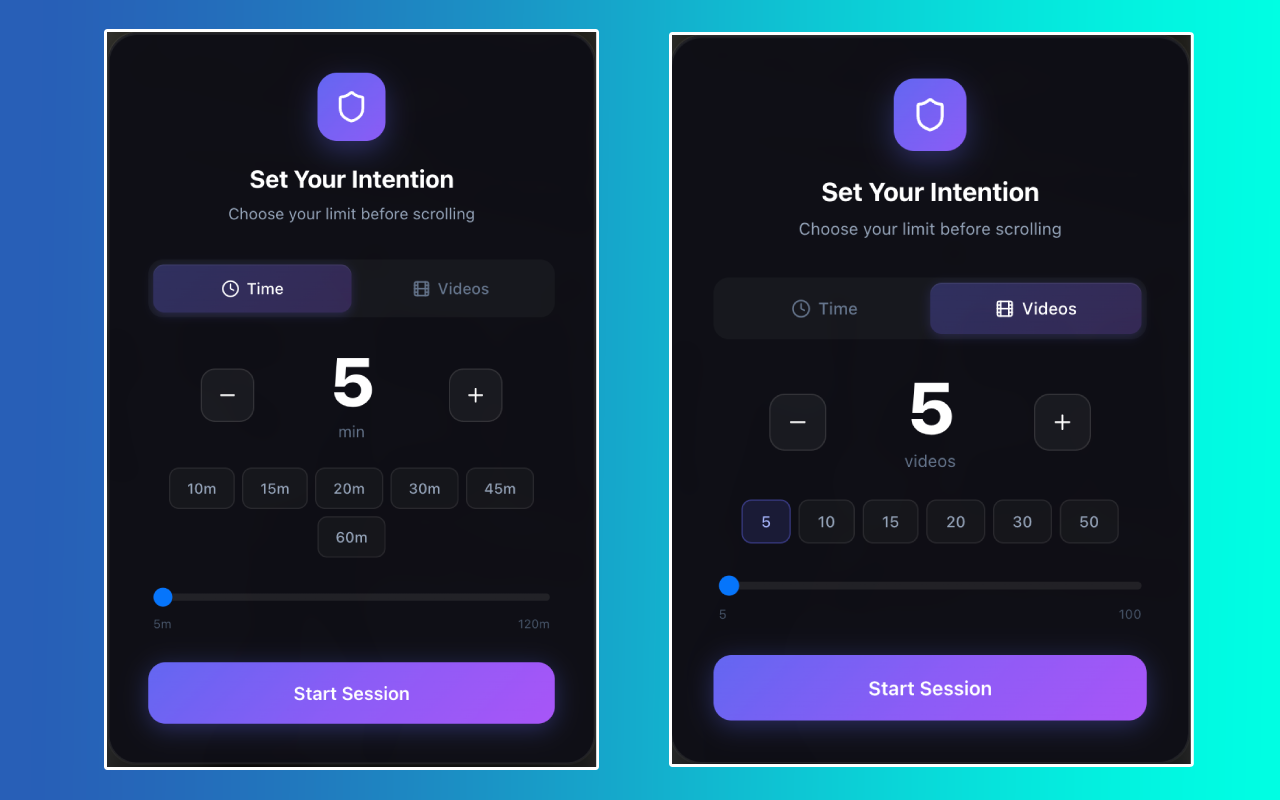
Intention Setting
Decide before you scroll. Set a 15-minute or 20-video limit. We'll remind you when it's time to stop.
Gentle Friction
We don't just block you. We add "mindful friction"—like typing a phrase to unlock more time—to break the trance.
How it Works
From chaos to calm in 3 simple steps.
1. Set Intention
Open TikTok and choose your limit.
"I'll watch for 15 minutes."
2. Mindful Scrolling
A subtle widget counts down.
You stay aware of time passing.
3. Gentle Stop
Time's up? A calming screen appears.
Take a breath, and close the tab.
Ready to reclaim your time?
Install ScrollGuard for free and start building healthier digital habits today.
Add to ChromeRequires Chrome, Edge, or Brave on Desktop.